

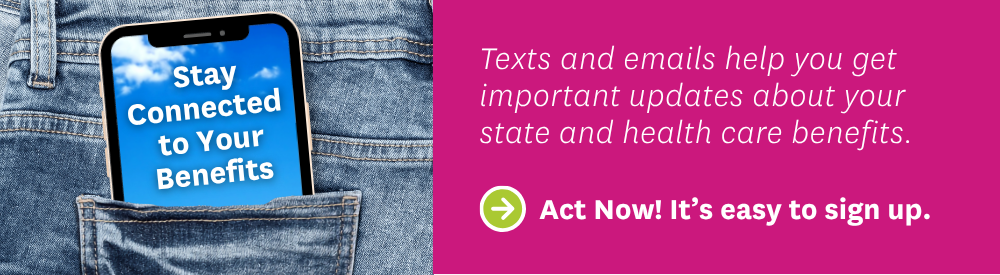
Say YES to get texts and emails!
The Wisconsin Department of Health Services (WI DHS) and MHS Health need your approval to send you texts and emails about your benefits.
Text and email are the quickest and easiest ways to stay connected with your DHS and MHS Health.
Learn more about the new Text and Email Consent process on the WI DHS website.
Why saying YES matters
If you do not say okay/yes to get texts and/or emails, WI DHS and MHS Health will stop sending them to you. We need your approval (consent) to contact you through text and email.
This could mean you may miss important updates about your health care and state benefits such as:
- News or changes to your state benefits
- Support for your health care needs
- Reminders about renewals, appointments, or deadlines.
- Important notices about your care, programs, and services.
What you need to do
It’s quick and easy:
- Go to ACCESS.wi.gov.
- Log into your ACCESS account ACCESS (ACCESS in Spanish).
- Go to "Update contact info" from the left menu and follow the instructions.
Or you can call the Income Maintenance Agency or Tribal Agency where you originally signed up for benefits.
I think I'm already signed up to get texts and emails
Even if you got texts or emails from WI DHS or MHS Health before, you also need to say YES in ACCESS.
To say YES, update your contact information at ACCESS (ACCESS in Spanish). Follow the steps above under What you need to do.
If you already did this in ACCESS, you are all set. You do not need to do it again.
Your information is safe
- You must read the rules and privacy notice before you say yes by going to dhs.wisconsin.gov. Click the button to agree.
- Messages will not ask for things like your Social Security number or bank info.
- You can opt out of text and email at any time by changing your communication preferences at ACCESS (ACCESS in Spanish).
Stay informed. Stay covered.
Signing up takes just a minute. Go to ACCESS (ACCESS in Spanish).
- You can start or stop email or text messages at any time.
- You can change your phone number, email, or address 24/7.
ACCESS is the best way to update your contact details.
In the ACCESS portal, you can:
- Apply for benefits
- Check your benefits and renewal date
- Renew your benefits
- Update your address, phone number, email, and other contact details
- Sign up for or manage text and email communications
- Report on changes that may affect your benefits
- Upload and send documents.
- View letters and important messages
Stay connected - Sign up today!
Don’t miss important updates about your health care and other state benefits. Click the link below to go to the ACCESS.wi.gov web site.